martedì 22 gennaio 2013

Java: List files in a directory/subdirectories

Hello! These are 2 simple functions that sometimes can be useful. So I'll just put both here :) Do you want to list all files in a folder in Java? Here we go!

public void listFilesInFolder(File folder) {
     for (File file : folder.listFiles()) {
          if(!file.isDirectory()){
               System.out.println(file.getName());  
               //or do whatever you want with it
          }
     }
}

The above function will ignore the folders as you can see. So if you want to list also subdirectories files this recursive function is what you need:

public void listFilesInFolderAndSubfolder(File folder) {
     for (File file : folder.listFiles()) {
          if (file.isDirectory()) {
        listFilesInFolderAndSubfolder(file);
          } else {
        System.out.println(file.getName());
        //or do whatever you want with it
   }
     }
}

Use / character for paths as java will understand in windows paths too :) cya soon, Ale

lunedì 21 gennaio 2013

Best Editor Ever


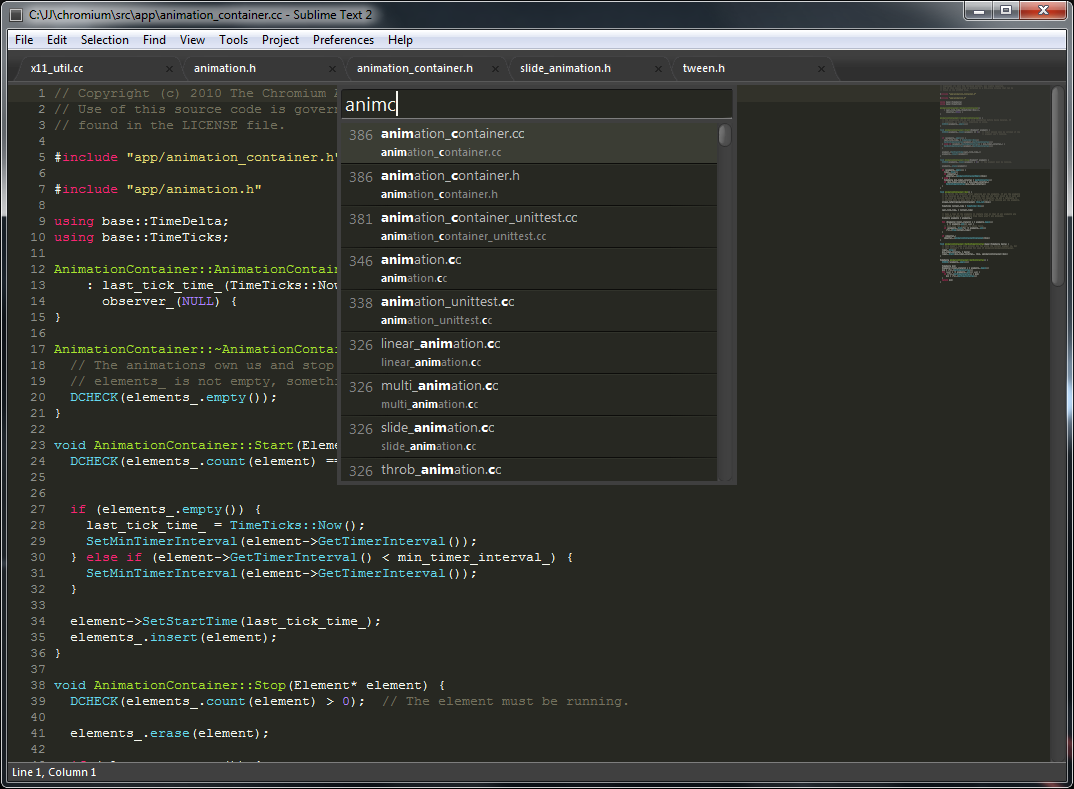
I've discovered, thanks to a colleague, this fantastic editor: Sublime Text 2.

This is the download page: http://www.sublimetext.com/2


At the moment there is a free version, so I recommend you to try out this.
Unfortunatly the licensed version costs about 60$. I just hope it'll be free for a long time still.

The potentiality of this editor are huge.
For Example:

  • Alt+F3: To add all occurrences of the current word to the selection and then modify all-in-one. 
  • Ctrl+D: Same thing but to add just the next occurrence of the current word to the selection.
  • Ctrl+F: Classic search, including some options like regular expression
  • Ctrl+H: To replace something.
  • Ctrl+Shif+K: To delete the current line
  • Alt+Shift+(number): To open multiple files. Figure it out :)

Comfortable huh?

You also can bind your shortcut keys as you prefer or any kind of possible personalization.
You just have to figure it out by yourself now. Try it and you'll thank me :)

cya soon,
Ale


How to use code snippets in your page


System.out.println('Hello! This is my first page :)');

I am new to blogging and I just thought to put together some useful snippets to make programming more comfortable. Well, let's start. I'll just report what I discovered today: if you're new to blogs and you just want to put some code snippets in it, first of all, put following lines in your html page header just like this:
When you're done with this you have to put your snippet in a <pre> tag in this way:

// content here
where the brush is the programming language you're using. Hope you have enjoyed this :) cya soon, Ale